Placement quick-check
Find each kid's true level, per subject, in about 5 minutes.
Why placement matters
A kid placed too high gets frustrated. A kid placed too low gets bored. Either way they check out. The quick-check finds where each kid actually is, per subject, so day one starts at the right level.
How it works
From the parent console, open Placement (there's also a big nudge card until you've run it once).
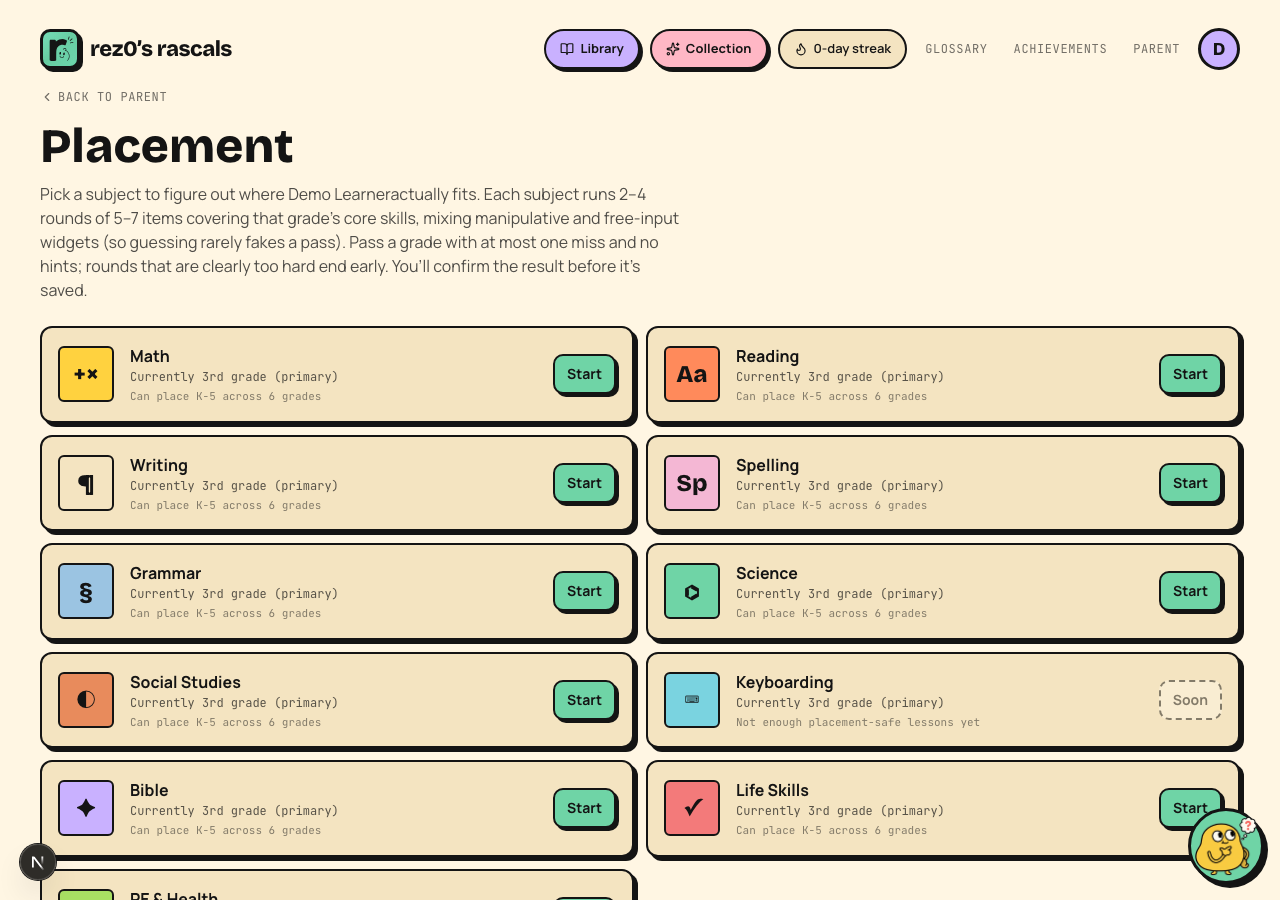 Pick a subject. Math and reading are the best place to start.
The kid answers a short round of questions at their current grade: real interactive activities, not just multiple choice, so guessing rarely fakes a pass. Each result narrows the remaining grade range, and the next round checks the middle of that range. It converges on the boundary in 2-4 rounds, then you confirm the result before anything is saved.
A few details parents ask about:
- Each round is 5-7 items covering that grade's core skills.
- Passing means at most one miss, with no hints. Only first tries count.
- A round that can no longer pass ends early, so kids aren't dragged through material above their level.
- There's an "I don't know yet" button on every item. It counts as a miss and nothing more.
- Repeated taps and network retries count once. Starting another check cannot mix its answers into the first one.
- If the answers conflict or no grade has enough evidence, Rascals calls the result inconclusive and keeps the current grade.
- Otto (the AI coach) is hidden during the check. No help allowed!
After the check
The result is saved per subject, so one kid can be grade 3 in math and grade 4 in reading. Your parent console shows a snapshot with per-subject level bars, and you can re-run any subject whenever you feel a level has gone stale.