Library, typing & extras
Illustrated stories, touch typing, the glossary, and video lessons.
The story library
Original illustrated stories starring the five rascals, each with a comprehension quiz at the end. Finishing a story logs reading minutes and counts toward the Bookworm badge.
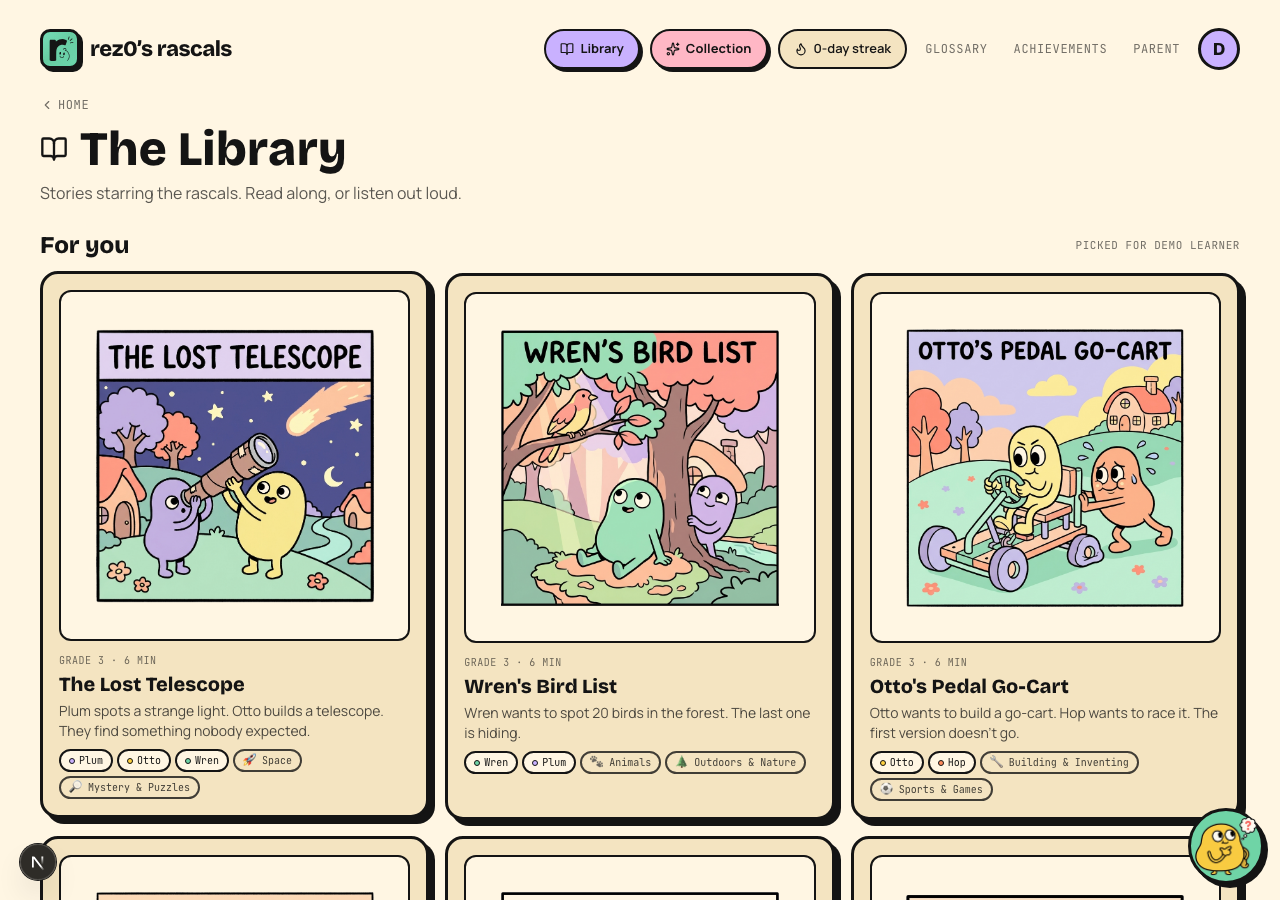 Every story has custom art on every page.
Touch typing
Keyboarding is a full subject with its own lesson ladder (home row first, always), plus a just-for-fun play hub with Rascal Races where kids type passages to race the characters.
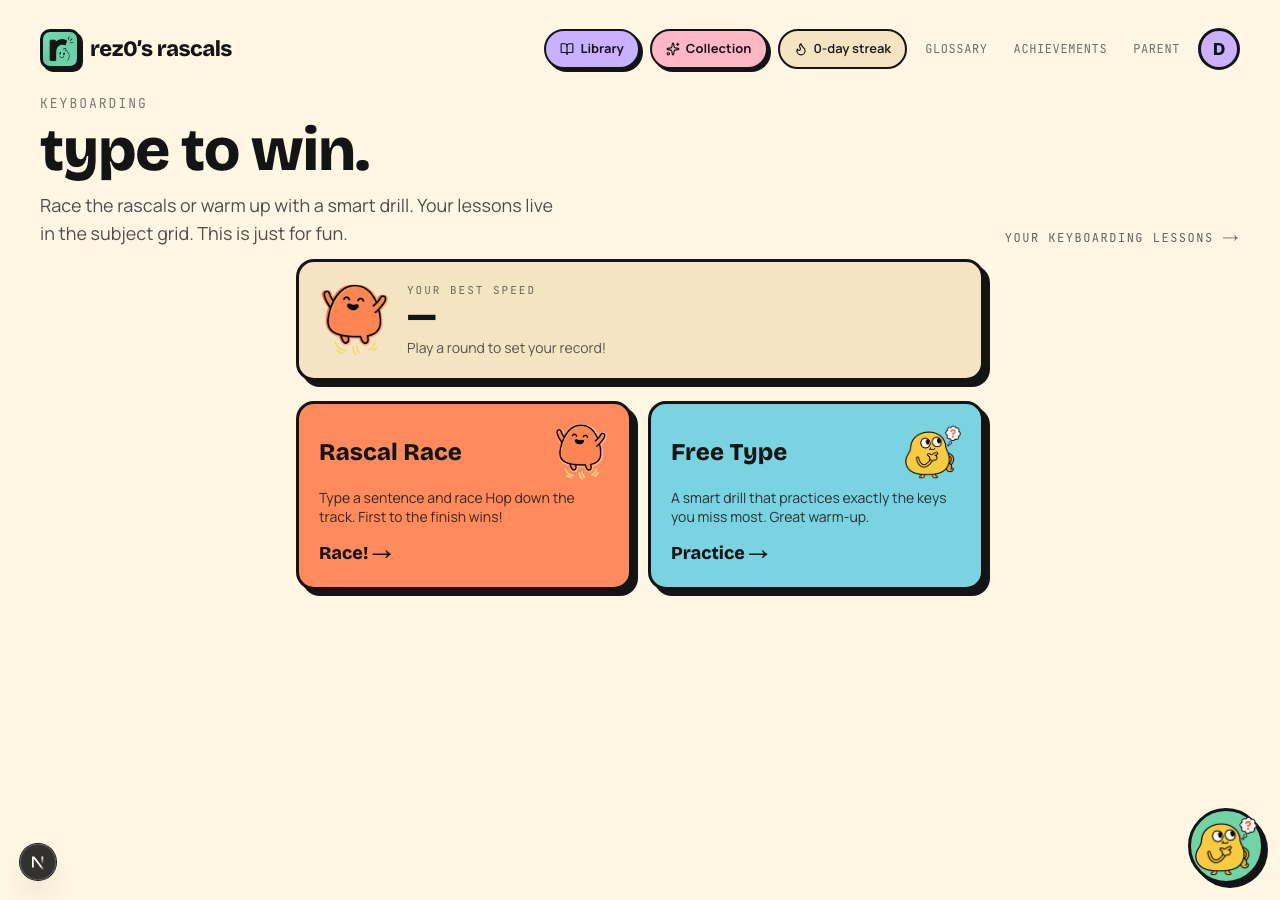 Accuracy is the gate; speed earns the stars.
Coding Studio
Beta-test families also have a complete K-5 Coding pathway with executable block projects, debugging, data and network concepts, cybersecurity, and a transparent Tiny Model Lab. See Coding Studio for the full tour.
Video lessons
Most lessons have a hand-picked YouTube video from trusted educational channels (Khan Academy, Math Antics, SciShow Kids, and similar). Videos are off by default; flip "Allow video lessons" in parent settings and a VIDEO! button appears on lessons that have one. Embeds are privacy-enhanced with no autoplay and no related-video rabbit holes.
The glossary
Kid-friendly definitions for the trickiest words in the curriculum. Bolded terms anywhere in a lesson can be tapped for a definition on the spot.
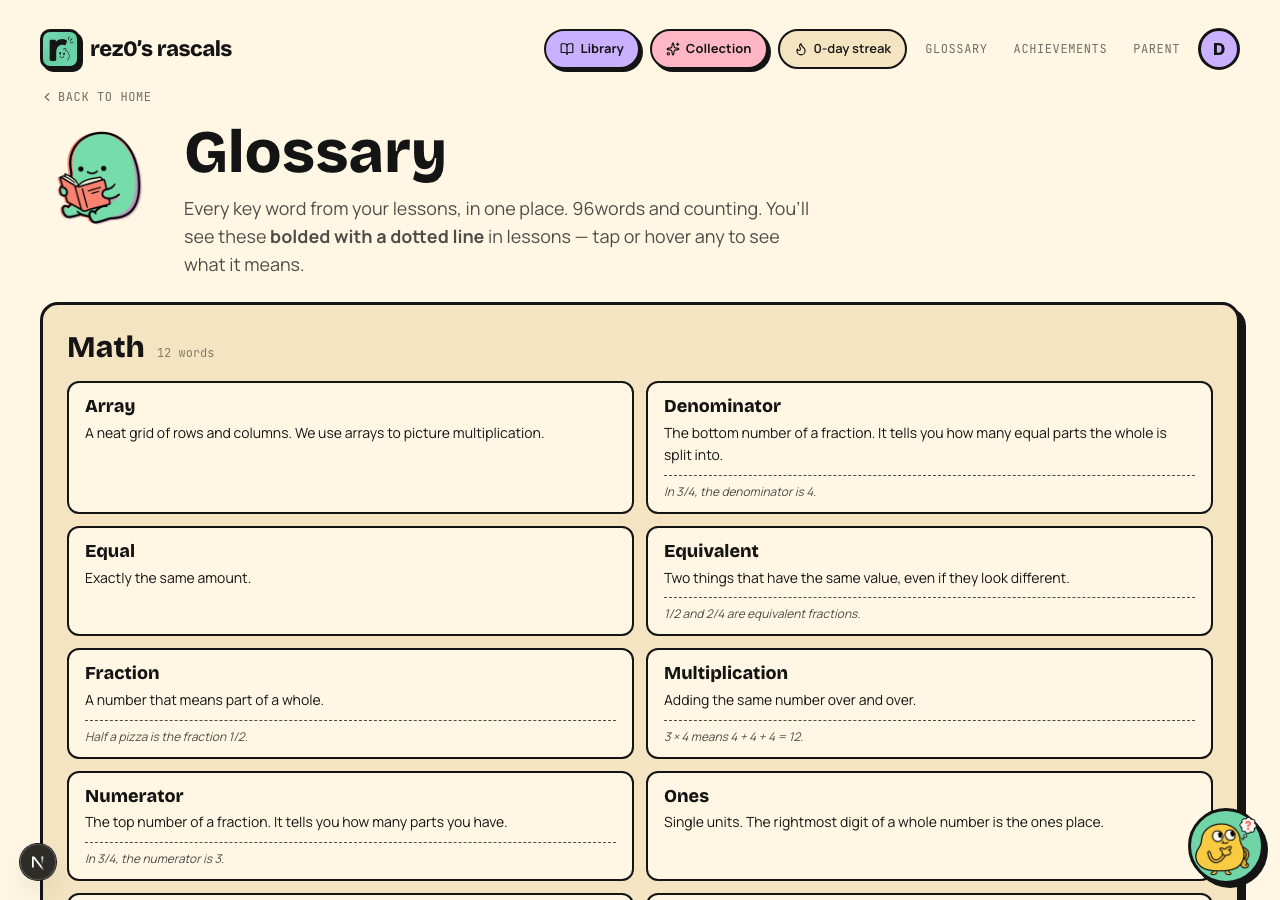 Tap any bolded word in a lesson for the same definitions.
Read-aloud everywhere
Almost everything a kid reads has a play button that reads it aloud in a warm voice with word-by-word highlighting. Audio is off by default and never plays on its own.